Getting Started With IndustryComplete
Welcome to the IndustryComplete Support Centre. IndustryComplete brings AI-driven industry classification to Salesforce, so your Accounts and Leads carry consistent, structured industry data instead of free text.
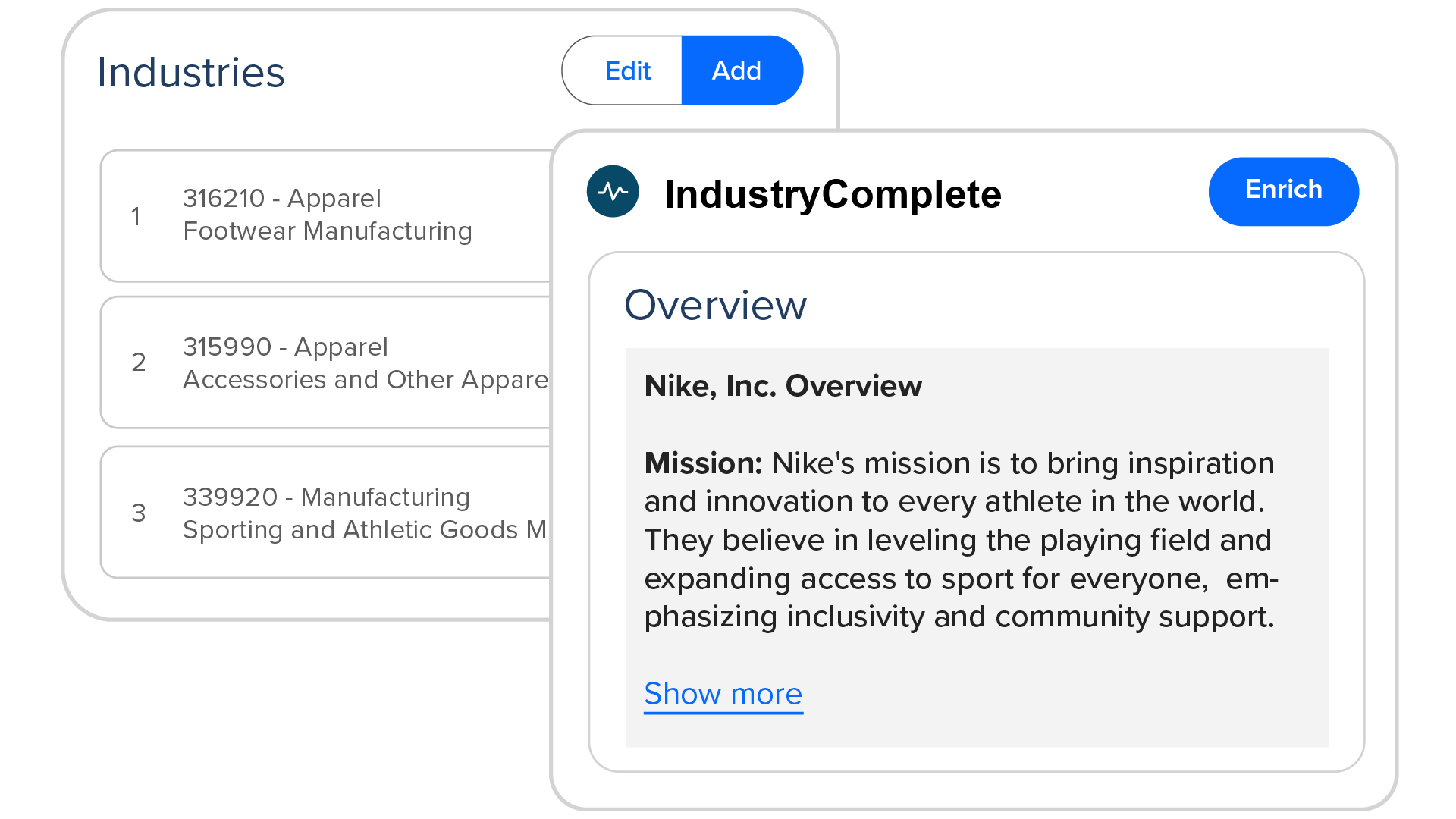
Click Enrich on a record and IndustryComplete researches the company, returns a short company overview, and assigns recognised NAICS/ISIC industry codes, all without leaving Salesforce. You stay in control of the result: codes can be searched for, added, reordered, or removed by hand at any time.
What Will it Do for My Org?
- Store several industry codes per record in priority order, rather than forcing a company into a single category.
- Optionally keep the standard Salesforce Industry field in sync, so the reports and picklists you already rely on keep working.
- Work from live information: each enrichment researches the company when you run it, rather than pulling from a static database.
- Make your Accounts and Leads easier to filter, segment, and analyse than free text allows.
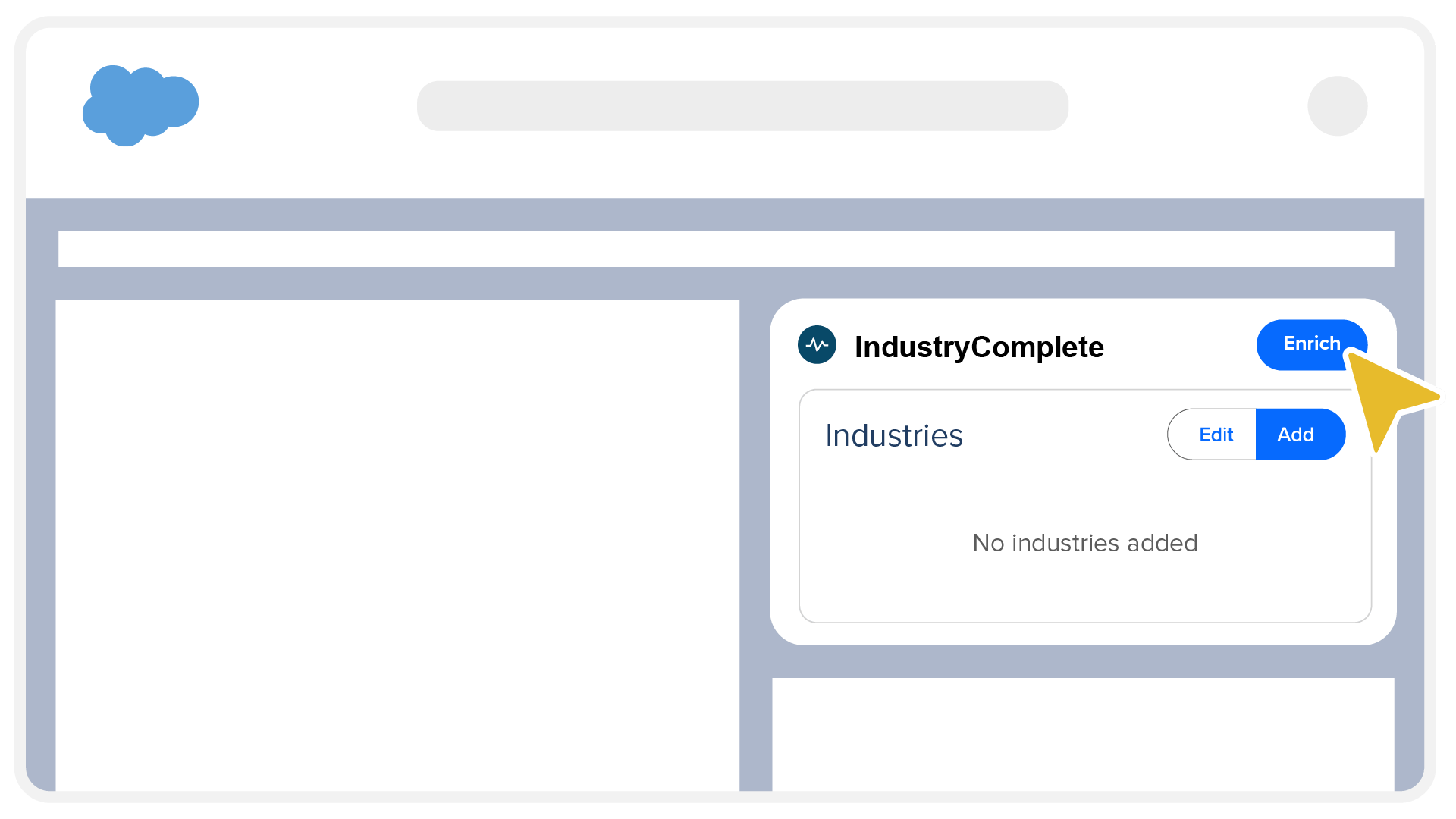
Note: Enrichment is available on Lead and Account records only. The record needs its company name; Accounts need Website, while Leads need Website or a business Email. A country must be available from the record. See Enrich Your Records.
Documentation
Whether you're rolling out IndustryComplete for the first time or using it day to day, these guides are organised to match how you work. Use the sidebar to browse everything, or start with the section that fits you best.
- Initial Setup – For Salesforce administrators getting IndustryComplete into your org. Walks you through installing the managed package from AgentExchange (formerly AppExchange), assigning Permission Sets, and configuring the External Client App, so your users are ready to go.
- Administration – For administrators setting up the app after install. Covers loading the industry classification data, choosing an active standard, turning on automatic Industry field population, and adding the Record Enrichment component to your Lightning Pages.
- Using IndustryComplete – For everyday users working with Accounts and Leads. Shows you how to enrich a record with AI, and how to add, reorder, and remove industry codes yourself.
- Troubleshooting – For anyone who runs into an unexpected message or result. Explains what the most common errors and enrichment statuses mean, and what to do about them.
- Release History – For a complete version-by-version log of new features, enhancements, and fixes in IndustryComplete.
Need More Help?
If you can't find what you're looking for in this documentation, the ProvenWorks support team is here to help.
- Email: support@provenworks.com
- Website: provenworks.com
- Service Status: status.provenworks.com