Enrich Your Records
Overview
The Record Enrichment component uses AI to research a company's website and generate a short company overview together with a suggested industry classification, which replaces the record's Industries list. This guide covers how to run an enrichment and what to expect.
Before You Start
To enrich a record you'll need:
- The IndustryComplete Standard User Permission Set assigned to you
- The Record Enrichment component added to the Lead or Account page you're using (see Add Record Enrichment to Lightning Pages)
- The record to have the following fields populated:
- Account Name (Accounts) or Company (Leads)
- Country, from any configured address preferring Billing Address over Shipping Address (Account), or from Country (Lead)
- Website for Accounts
- Website or a business Email for Leads
If a Lead's Website is blank, IndustryComplete tries to infer the company's
website from the domain in Email. This works for a business email address
such as person@example.com. Generic email providers such as Gmail and Yahoo
are ignored because they do not identify the company.
Accounts must have Website populated because Account records do not provide an email address for this fallback.
Step-by-Step Guide
- Open the Lead or Account record you want to enrich.
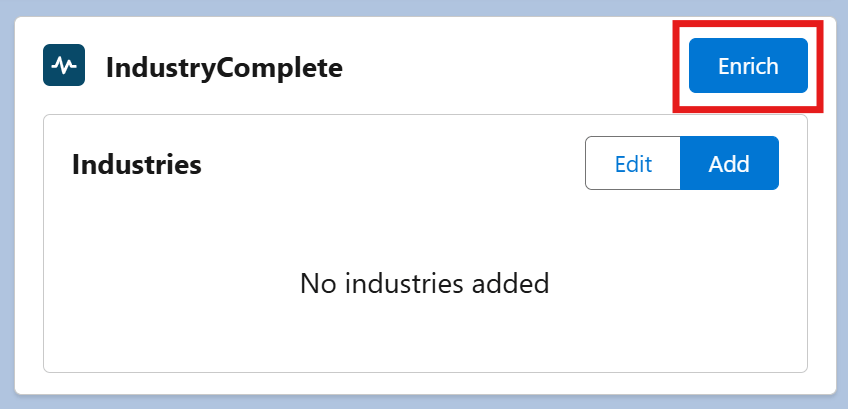
- On the IndustryComplete Lightning component, click Enrich.
- The component shows Enrichment in progress while the AI researches the company. This can take a little while – you can navigate away and come back later.
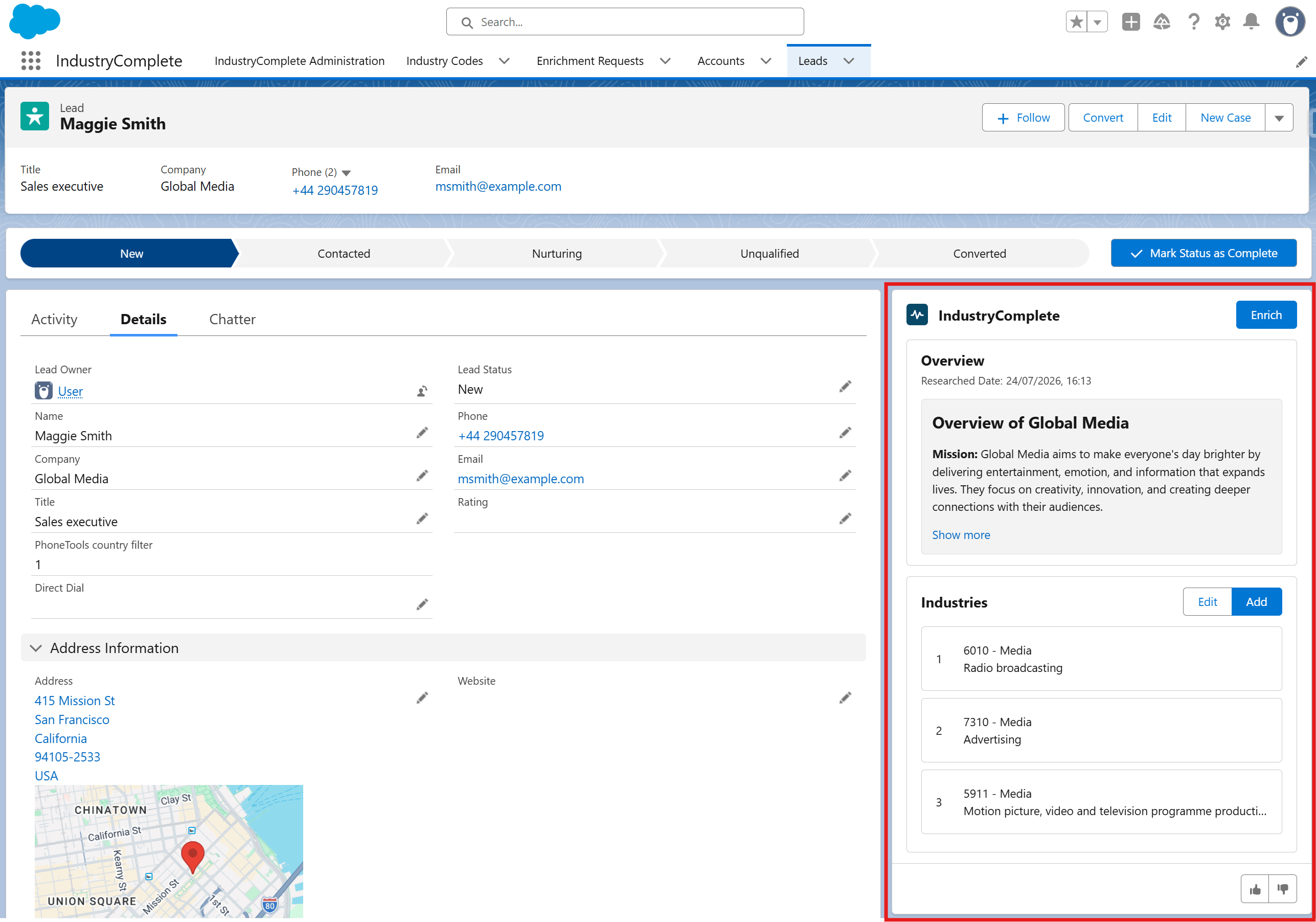
- When complete, it shows:
- An Overview - a short AI-generated summary of the company, with the date it was generated
- An updated Industries list, with suggested industry codes added automatically
If enrichment could not complete, a message explaining why is shown instead of the overview. See Common Error Messages for what these mean.
Giving Feedback
Once an overview is generated, you can rate it using the thumbs up/down buttons in the card footer:
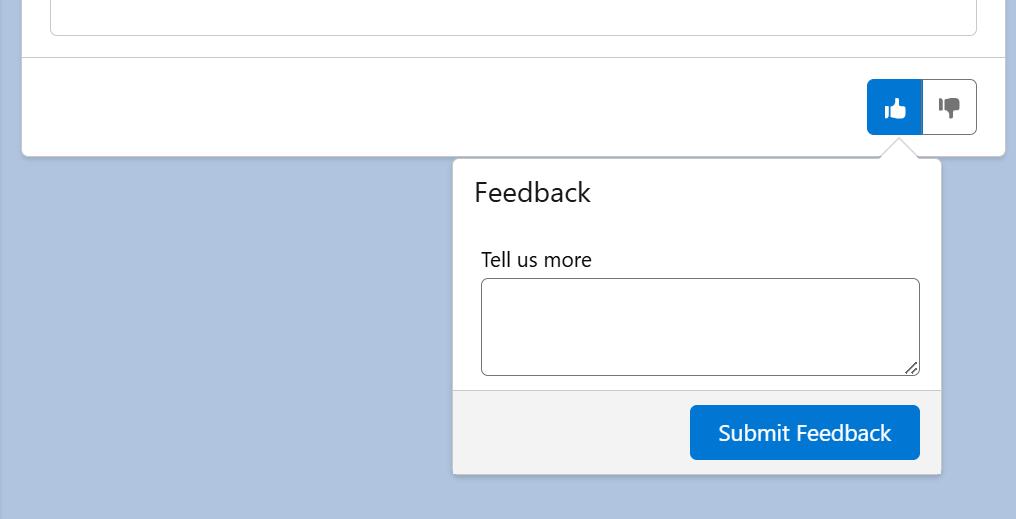
- Like (thumbs up) – Optionally add a comment, then click Submit Feedback.
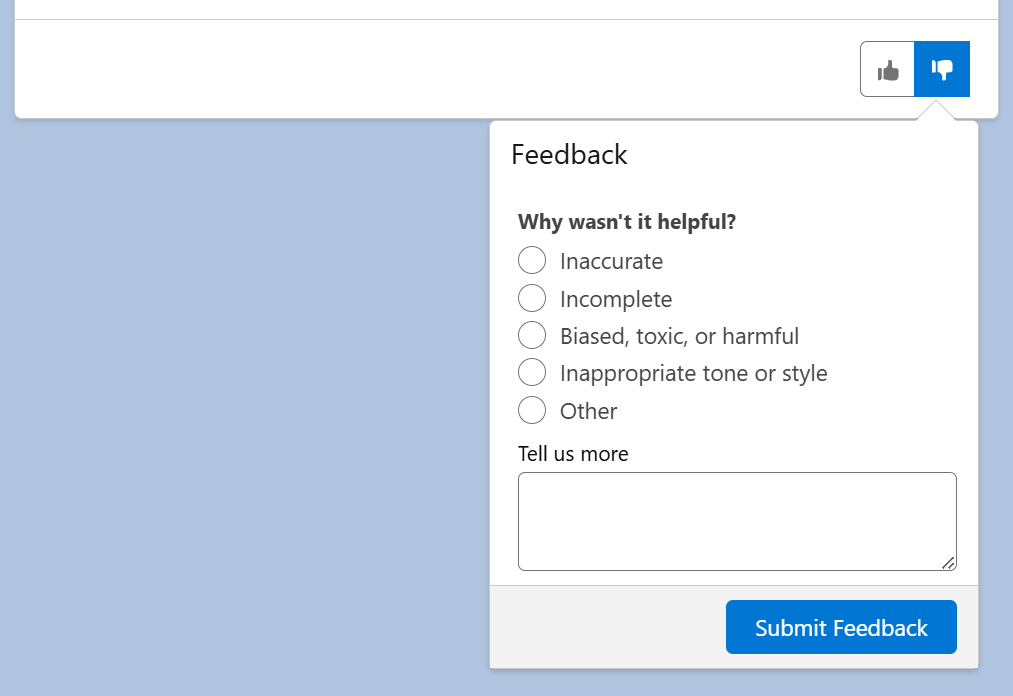
- Dislike (thumbs down) – Select a reason (Inaccurate, Incomplete, Biased, toxic, or harmful, Inappropriate tone or style, or Other), optionally add a comment, then click Submit Feedback.
Feedback helps ProvenWorks improve the quality of future enrichments.
Good to Know
- Only one enrichment can be in progress for a record at a time. If you click Enrich again while a request is already processing, IndustryComplete will not start a duplicate request.
- Running enrichment replaces the record's existing Industries list with the AI-suggested codes, and updates the Industry Code Lookup field to the top-priority code. If you've added or reordered industry codes manually, re-running enrichment removes them and replaces them with the new suggestions.
- If automatic Industry field population is turned on (see Enable Automatic Industry Field Population), enrichment also updates the standard Industry field to match the industry of the primary code.