Install IndustryComplete
Overview
This guide outlines the steps to install the IndustryComplete managed package from AgentExchange (formerly AppExchange).
Before installing IndustryComplete, ensure that you are a Salesforce Administrator and that your Salesforce instance supports AgentExchange apps.
Step 1: Access the AgentExchange Listing
- Navigate to the IndustryComplete AgentExchange listing.
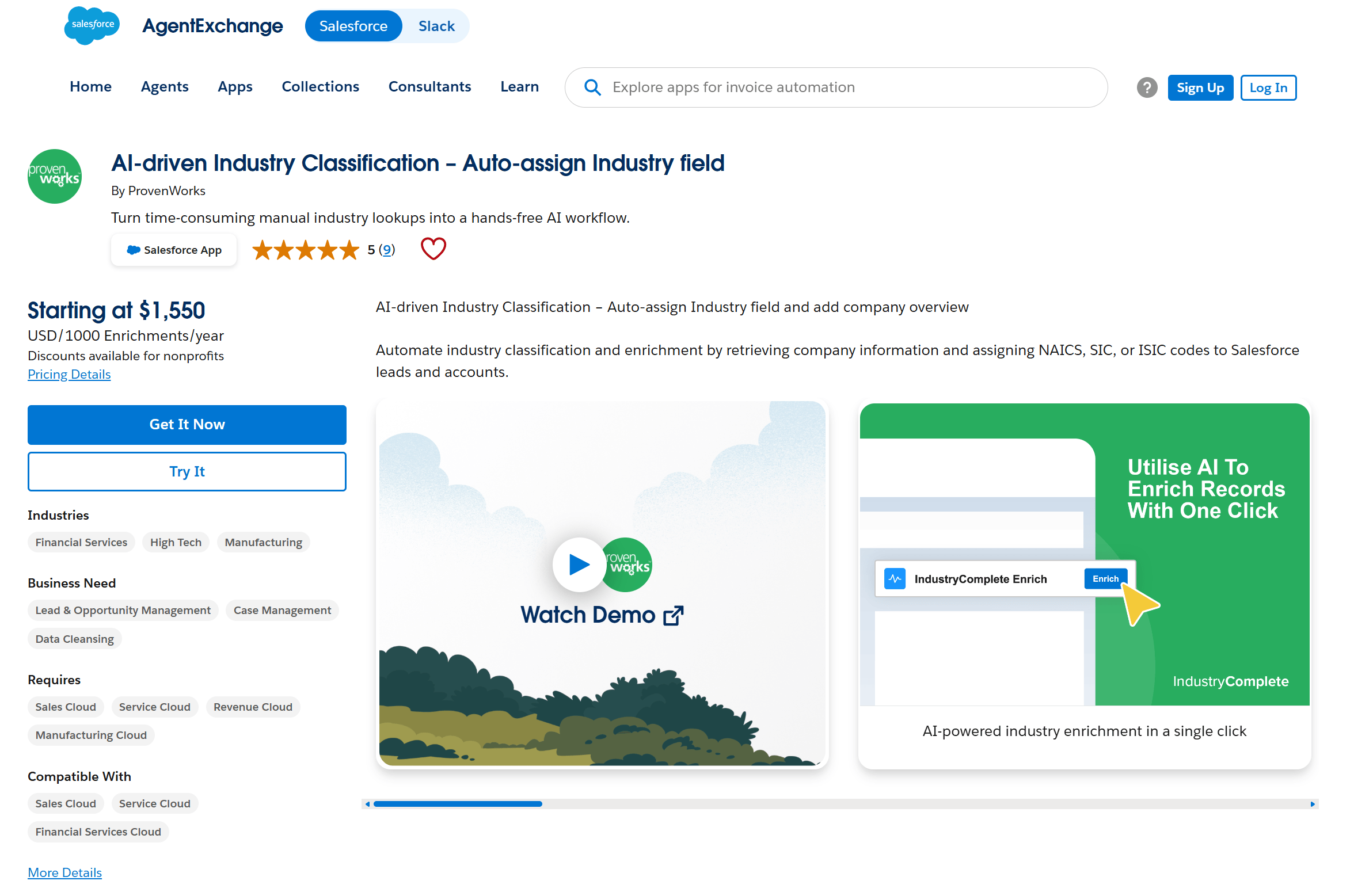
Step 2: Get It Now
- On the AgentExchange page, click the Get It Now button to install IndustryComplete into a production environment. Alternatively, if you are installing into a Sandbox, click the Try It button.
- Log in with your Salesforce credentials if prompted.
Step 3: Choose the Installation Environment
- Select the appropriate environment and click the Install button.
- Review the Terms and Conditions provided by ProvenWorks.
- Check the box to agree, then click Confirm and Install.
Step 4: Grant User Permissions
- During installation, you'll be prompted to choose the default allocation of permissions:
- Install for Admins Only: Recommended for initial setup.
- Install for All Users: Automatically grants access to all users.
- Install for Specific Profiles: Manually assign permissions to users assigned to specified Profiles.
- Choose the appropriate option and click Next.
Step 5: Complete the Installation
- Salesforce will process the installation. This may take a few minutes.
- Click Done to finish the process.
- Once the installation has been successful, you'll receive an email.