Enable Automatic Industry Field Population
Overview
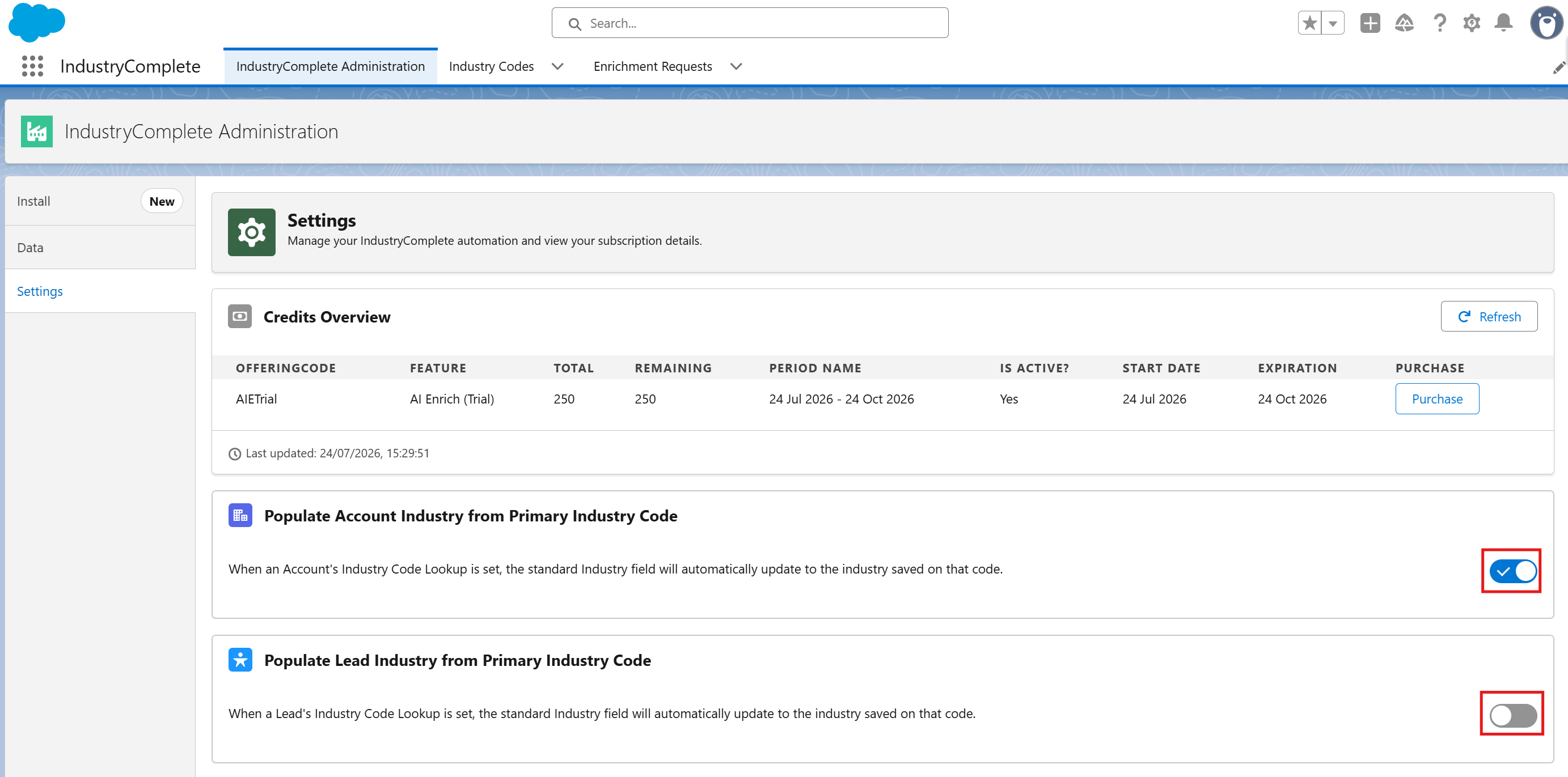
IndustryComplete can automatically keep your standard Salesforce Industry field in sync with the primary industry code assigned to a Lead or Account. This is controlled by two toggles on the Settings tab of IndustryComplete Administration.
What Do These Toggles Do?
| Toggle | Applies To | Behaviour When On |
|---|---|---|
| Populate Account Industry from Primary Industry Code | Account | When an Account's Industry Code Lookup is set, the standard Industry field automatically updates to the industry saved on that code. |
| Populate Lead Industry from Primary Industry Code | Lead | When a Lead's Industry Code Lookup is set, the standard Industry field automatically updates to the industry saved on that code. |
Both toggles are off by default, so records are not changed until you switch them on.
Activation Steps
- Open the App Launcher.
- Search for and select IndustryComplete Administration.
- Go to the Settings tab.
- Switch on the toggle(s) for the objects you want to keep in sync:
- Populate Account Industry from Primary Industry Code
- Populate Lead Industry from Primary Industry Code
Changes save automatically as soon as you switch a toggle.
What Happens After Activation
Once a toggle is on, adding or changing the Industry Code Lookup on a Lead or Account will automatically update that record's Industry field on save. Switching a toggle off stops future updates but does not undo values already applied.